
VoidStation 2026.11 is here, the first big monthly update. TV and media now run in a player of our own, YouTube works without a browser, and the emulators are much easier to set up. Here are the main new features and what changes for you. For every detail, see the 2026.11 changelog.
TV, videos and music in our own player
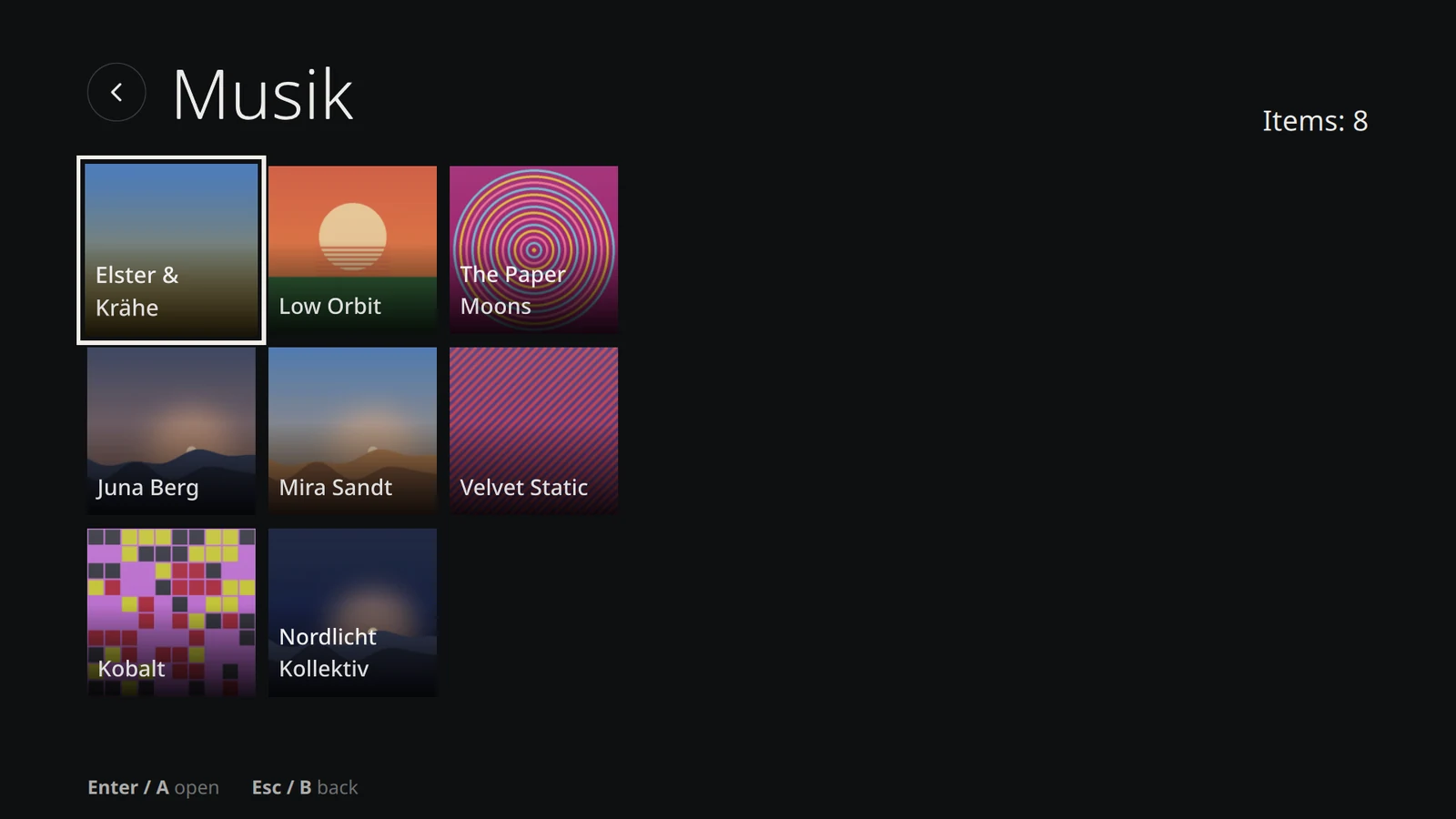
"Videos & Music" replaces VLC. The new library shows your share and USB drives with thumbnails, remembers where you left off and works entirely with a controller. It plays video DVDs too, just not their menus.
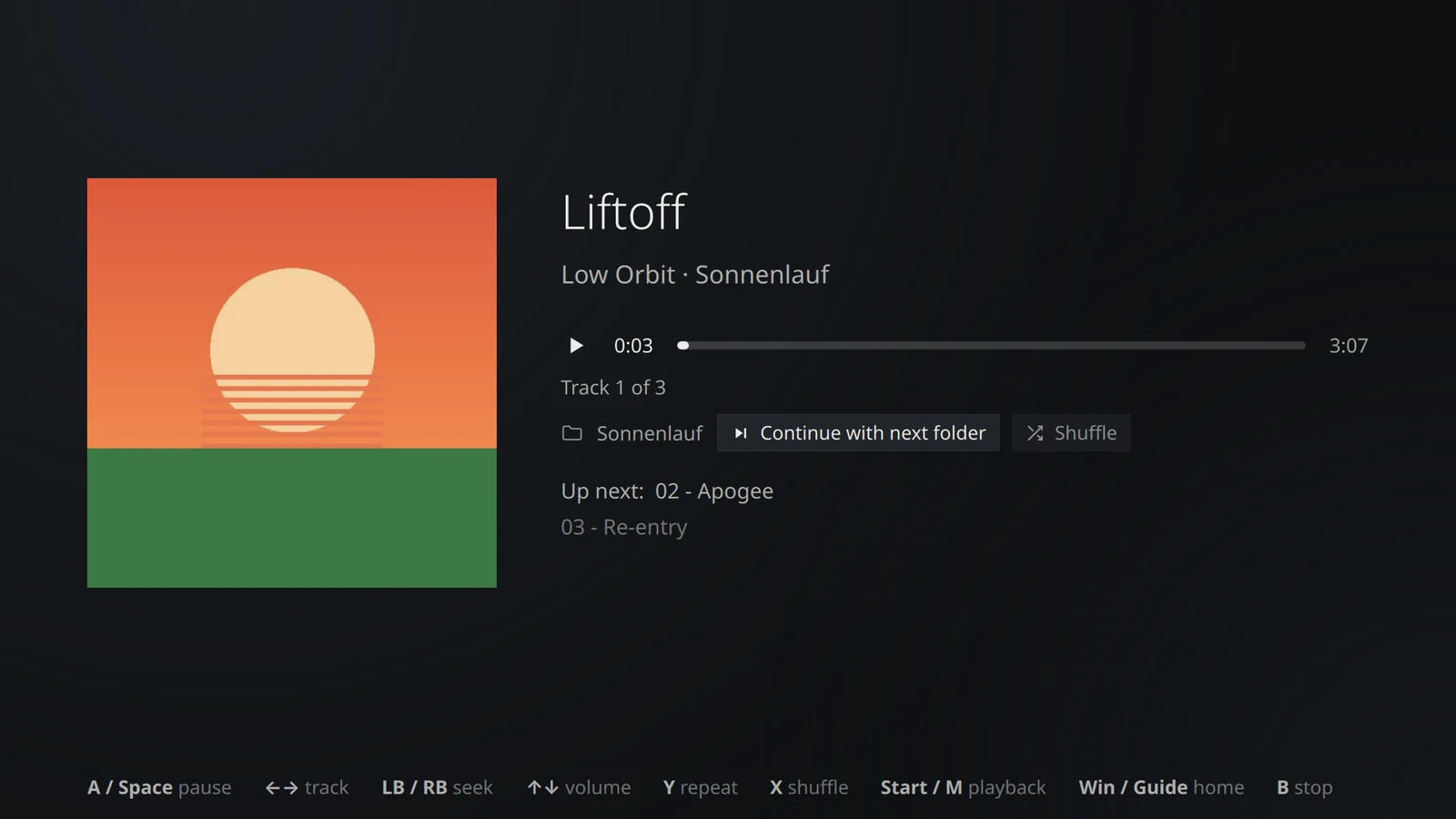
Music gets its covers on its own and has repeat modes and shuffle. "Find music" searches the Internet Archive, YouTube and SoundCloud and downloads tracks with tags and cover. You choose which sources to use, nothing is preselected.
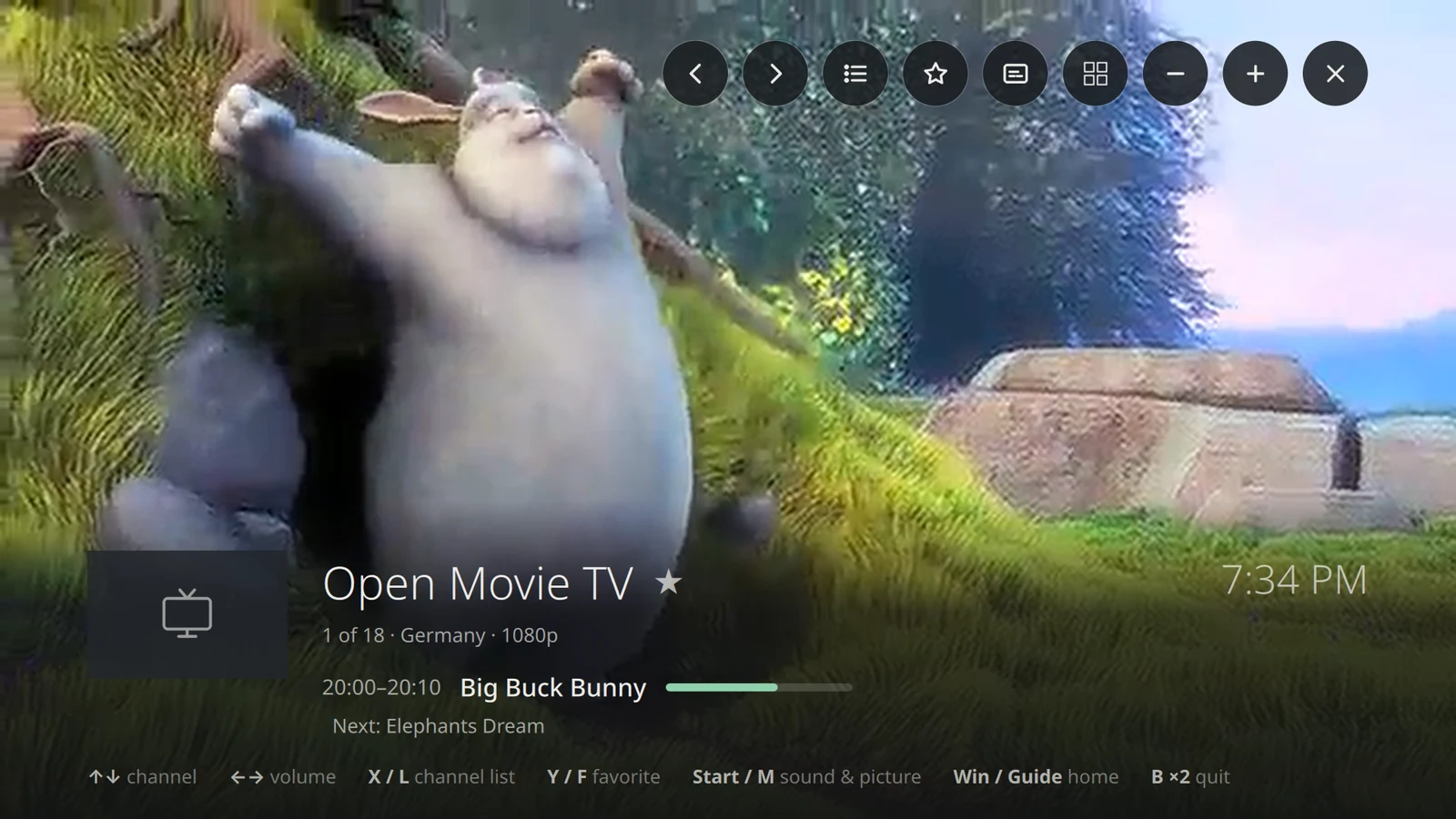
TV now lets you zap with ▲▼ right in the picture, with channel logo, current and next show. There's also a channel list with favorites and an A–Z bar, plus audio track and subtitle selection. If a channel can't be reached, VoidStation tells you why. Where possible, the graphics card now handles decoding, which takes load off the CPU.
YouTube Light
YouTube Light is YouTube without a browser and without a Google account, built into the VoidStation player. Subscriptions, history and lists stay on your device, and you can import your subscriptions from Google Takeout, NewPipe or FreeTube. You'll find it in the AppCenter under Media, and on 64-bit the regular YouTube tile stays. YouTube doesn't explicitly allow third-party players, so you have to confirm a notice on first start.
Emulators
- Button mapping: the button in the game list shows a sketch of the console and asks for its buttons one by one.
- Game list: it now shows pictures of the games and comes with almost every emulator.
- Setup: PCSX2, DuckStation and Cemu start without a setup wizard, and VoidStation fills in the settings they need itself.
- Playing: games start full screen and pause while you're on the start screen or in another program.
- Saves: VoidStation backs them up to the share regularly.
- New: xemu for the original Xbox.
Also new
- Updates: a calm full-screen view with three steps instead of a log.
- Boot splash: the logo instead of text messages at startup, now on installed devices too.
- AppCenter: programs like FreeTube, Brave or Heroic come straight from their makers instead of as Flatpaks.
- Network: disconnect and switch Wi-Fi, no new password prompt for known networks, prefer cable or Wi-Fi for the internet.
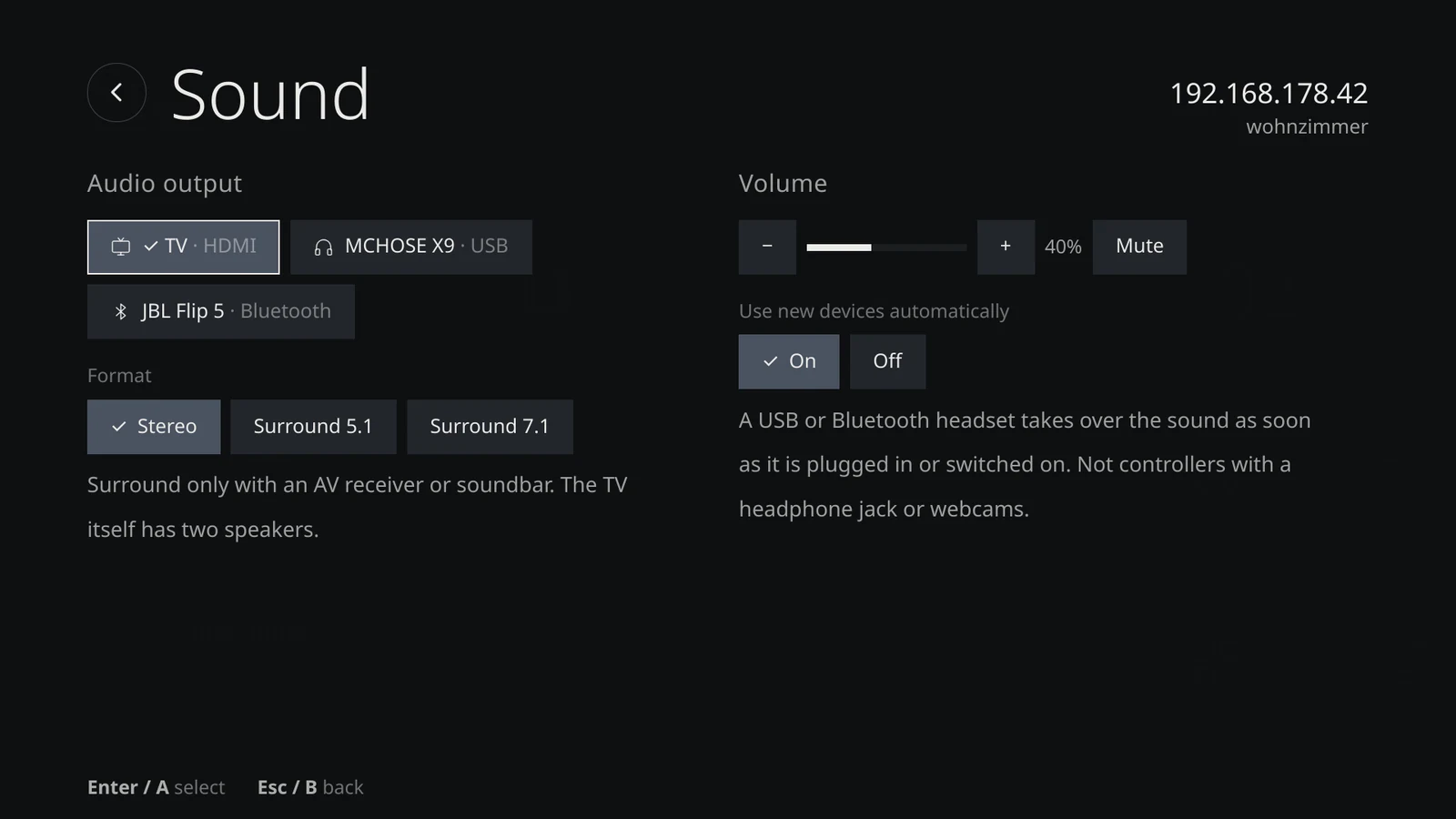
- Sound: Settings → Sound lists devices instead of profiles, and new headphones can take over the sound automatically.
- Sleep: found under ⏻. Wake up with a USB keyboard, mouse or a remote with a USB receiver.
- Mouse and controller: the hot corner at the bottom right takes you to the start screen or closes the program. The controller works as a mouse in programs, and the hints show your controller's buttons as icons.
- Display: the screen can match the video's frame rate, such as 50 Hz for European channels. It's a setting and off by default.
- Languages: the interface now speaks 15 languages. The translations are machine-made, so corrections are very welcome.
- Terminal: better tab completion and history search, colors that match the theme, and
vsctl version.
What changes for you
You don't have to move anything by hand, but you should know these points:
- VLC is removed along with its tile. If you need VLC for DVD menus or converting, it's one click away: AppCenter → Media → VLC. If you installed it yourself from the AppCenter, it stays.
- AppCenter apps switch from Flatpak to the maker's own version. This happens with the next update. Settings, logins, subscriptions and game libraries carry over, and they're moved, not copied. The Flatpak itself is removed. Emulator data is copied instead, and the original stays under
~/.var/appas a backup. - Steam Link and Plex HTPC are no longer in the AppCenter, because they only exist as Flatpaks. If you have them installed, you can keep using them. Moonlight and Jellyfin or Kodi are the alternatives.
- The "YouTube TV interface" is gone, because Google now only allows it on real TVs. Its tile and browser profile disappear with the update.
- **BIOS files now live per system in
share/ROMs/<system>/bios.** VoidStation moves files fromshare/BIOSitself, once. Put new files there from now on. - The controller mouse now clicks with A/B (✕/○) instead of R2/L2.
- Testing devices switch to Stable by themselves. The reasons are in the post from October 29.
Update and new ISO
Installed devices get the update via Settings → Updates → Update. The boot splash is set up during the update, which takes about a minute, once, and you'll see it from the next restart.
The new live ISO follows on Monday, November 9. Its installer and the stick's boot menu will then speak all 15 languages too. For older computers, there's also an experimental 32-bit ISO, which you'll find on the download page.
Not in yet
In the post on 1,000 downloads we announced three more things that are still to come: installing to external drives, proper on-screen keyboard layouts for Greek, Russian and Ukrainian, and Steam with the NVIDIA driver straight from the AppCenter.
Get involved
Many of these features go back to wishes and hints from the community, so thank you! We're still happy to take bug reports and wishes on GitHub. And if you'd like to support VoidStation, you can buy us a coffee.